2.3 KiB
2.3 KiB
Wildcards with Adetailer Support (Automatic1111 / Forge)
Supports:
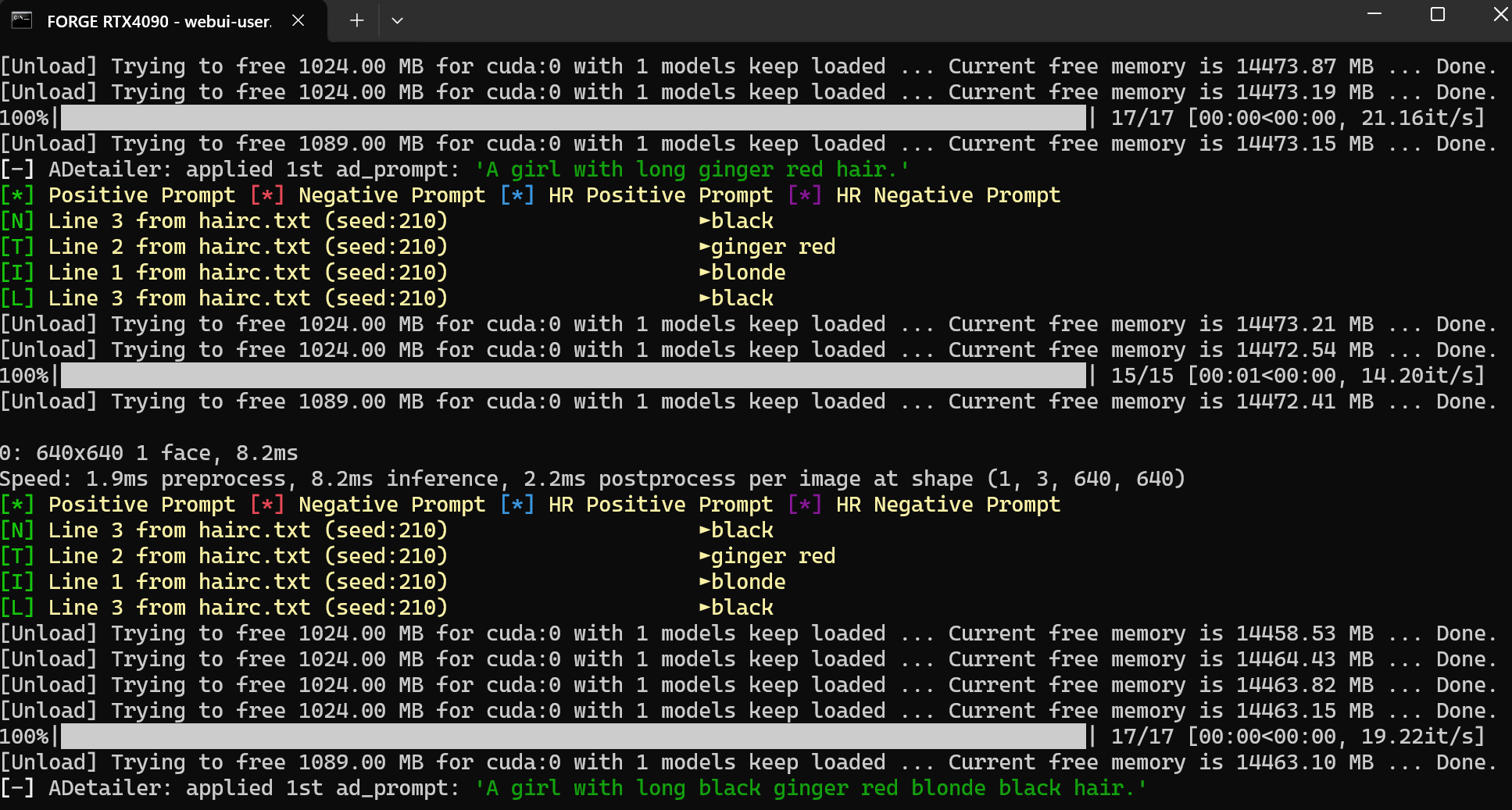
- All Prompts: Positive \ Negative \ HR Postive \ HR Negative \ Adetailer Positive \ Adetailer Negative
- Nested Wildcards inside of wildcard text files. (ie. hair.txt line 1:
__20_hairstyle__ __21_haircolor__ hairmakes for a cleaner looking prompt where you only need one wildcard.__0_hair__. Be careful when nesting a wildcard inside of itself.)
Features
- Tiered Wildcards that share the same random generation based on the seed. (ie.
__0_wildcard__up to__99_wildcard__) - Iterative wildcards that go through wildcard text files line by line in a batch. (ie.
__$_wildcard__) - Locking wildcards to specific lines. (ie.
__0_wildcard_9__/__$_wildcard_9__/__wildcard_9__in which in all cases the ninth line fromt he wildcard will be chosen.) - Depreciated vanilla use. (ie.
__wildcard__completely random, remaking the same seed will never be the same, haha.)
Menu
- Locking random seed generation to a specific seed.
- Changing inner and outer separators.
Tiered Wildcards: __0_wildcard__ up to __99_wildcard__
- The number represents a linked random seed generation. So
__0_wildcard__will output the same result in any prompt. As long as the wildcards have the same number of lines, can link different wildcards with each other. (ie.__5_one__and__5_two__where one.txt and two.txt both have 50 lines of text will always pick the same line result.
Incompatibility:
- Do not use
_character in wildcard txt file names. (or whichever INNER separator you input in the menu, the inner separator will conflict with any instances of it in wildcard text file names.) - Do not use
__anywhere else in the prompt. (or whichever OUTER separator you input in the menu, the outer separator will conflict with any instances of it in the prompt text.) - Does not work properly with Batch Size. Use Batch Count instead when making batches.
Install
To install from webui, go to Extensions -> Install from URL, paste https://github.com/uorufu/stable-diffusion-webui-wildcards-adetailer
into URL field, and press Install.