5.9 KiB
| title | language_tabs | language_clients | toc_footers | Includes | HeadingLevel | ||||||
|---|---|---|---|---|---|---|---|---|---|---|---|
| Custom Container |
|
|
2 |
Custom Container
Overview
The Extension for Stable Diffusion on AWS is extremely flexible. You can replace the container image of the SageMaker Endpoint model at any time, or revert to the default image at any time.
To achieve this capability, follow these steps:
- Step 1: Build a Container Image
- Step 2: Prepare command execution environment and permissions
- Step 3: Replace the specified SageMaker Endpoint model image with your own‘s or Restore the default model image
- Step 4: Verify or diagnose whether the container image is work
Build a Container Image
You can build your own container image and upload it to Amazon ECR{:target="_blank"} in the region where the solution is deployed, please read Using Amazon ECR with the AWS CLI{:target="_blank"} , after the operation is complete, you will get a ECR URI, such as:
123456789012.dkr. ecr.cn-northwest-1.amazonaws.com .cn/your-image:latest
Dockerfile template:
# Use a specific version for reproducibility
FROM 763104351884.dkr.ecr.us-east-1.amazonaws.com/pytorch-inference:2.0.1-gpu-py310-cu118-ubuntu20.04-sagemaker

# Set environment variables to non-interactive (this prevents some prompts)
ENV DEBIAN_FRONTEND=non-interactive

# Install system packages in a single RUN step to reduce image size
RUN apt-get update -y && \
    apt-get install -y \
    your-package \
    rm -rf /var/lib/apt/lists/*

# Set your entrypoint
ENTRYPOINT ["python", "/your/serve"]
Prepare permissions and environment
Permissions
Make sure your account has sufficient permissions; otherwise, executing the command will fail due to insufficient permissions. Please attach this example policy to your IAM user or role, note replace the variables {Partition}, {Region} and {Account}:
{
  "Version": "2012-10-17",
  "Statement": [
    {
      "Sid": "StableDiffusionOnAWSExtensionEndpoint",
      "Effect": "Allow",
      "Action": [
        "sagemaker:DescribeModel",
        "sagemaker:DescribeEndpoint",
        "sagemaker:DescribeEndpointConfig",
        "sagemaker:DeleteModel",
        "sagemaker:DeleteEndpoint",
        "sagemaker:DeleteEndpointConfig",
        "sagemaker:CreateModel",
        "sagemaker:CreateEndpoint",
        "sagemaker:CreateEndpointConfig"
      ],
      "Resource": [
        "arn:${Partition}:sagemaker:${Region}:${Account}:model/infer-model-*",
        "arn:${Partition}:sagemaker:${Region}:${Account}:endpoint/infer-endpoint-*",
        "arn:${Partition}:sagemaker:${Region}:${Account}:endpoint-config/infer-config-*"
      ]
    },
    {
      "Effect": "Allow",
      "Action": "iam:PassRole",
      "Resource": "arn:${Partition}:iam::${Account}:role/*createEndpoint*"
    },
    {
      "Effect": "Allow",
      "Action": "application-autoscaling:DeregisterScalableTarget",
      "Resource": "*"
    }
  ]
}
Environment
There are two ways to execute the following commands:
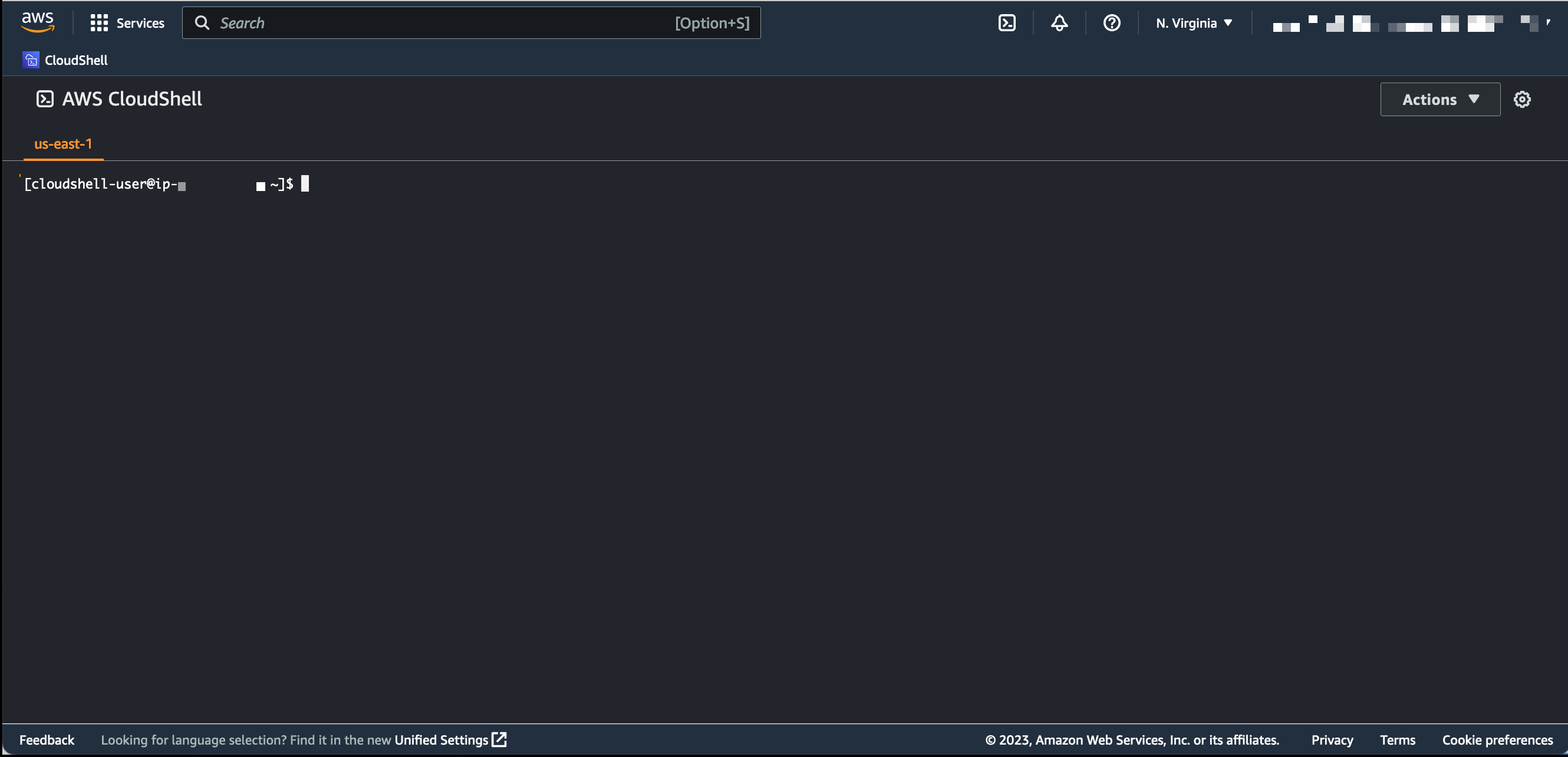
Method 1(Recommended):On CloudShell{:target="_blank"},Please replace {region} with the region where the solution is deployed, such as: us-east-1
- Login URL: https://{region}.console.aws.amazon.com/cloudshell/home
- Please make sure that the account you logged in has sufficient permissions (such as the permission to deploy the solution), otherwise the command will fail due to insufficient permissions.
-  Method 2:To execute on your own environment, you need to:
- Install CURL{:target="_blank"}
- Install and Configure AWS CLI{:target="_blank"}
- Please make sure that the account you configured has sufficient permissions (such as the permission to deploy the solution), otherwise the command will fail due to insufficient permissions.
Method 2:To execute on your own environment, you need to:
- Install CURL{:target="_blank"}
- Install and Configure AWS CLI{:target="_blank"}
- Please make sure that the account you configured has sufficient permissions (such as the permission to deploy the solution), otherwise the command will fail due to insufficient permissions.
Update container image
Once the ECR image is ready, you only need to replace the variables in the following command and execute to complete the image replacement:
- {region}: The region where the solution is deployed, such as:
us-east-1 - {endpoint-name}: Endpoint name, such as:
infer-endpoint-111111 - {image-uri}: container image URI
curl -s https://raw.githubusercontent.com/awslabs/stable-diffusion-aws-extension/main/build_scripts/update_endpoint_image.sh | bash -s {region} {endpoint-name} {image-uri}
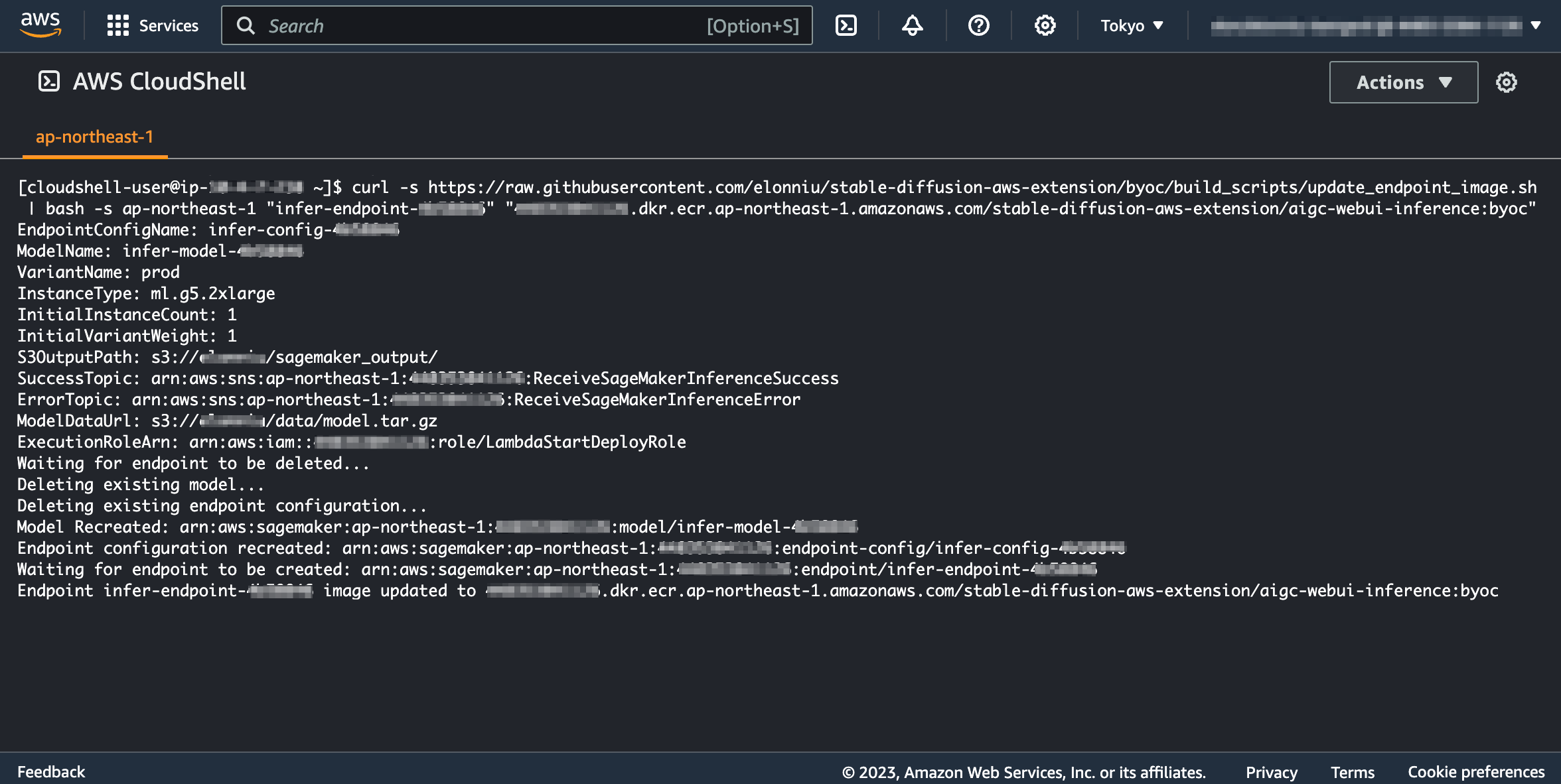
The following figure shows the successful execution of the command:
Restore the default image
To restore the default image, replace the variables in the following command and execute:
- {region}: The region where the solution is deployed, such as:
us-east-1 - {endpoint-name}: Endpoint name, such as:
infer-endpoint-111111
curl -s https://raw.githubusercontent.com/awslabs/stable-diffusion-aws-extension/main/build_scripts/update_endpoint_image.sh | bash -s {region} {endpoint-name} default
Verify or diagnose whether the container image is work
After the container image is replaced, you can verify whether the container image is working properly by viewing the logs of the SageMaker Endpoint, or diagnose the cause of the problem:
- {region}: The region where the solution is deployed, such as:
us-east-1 - {endpoint-name}: Endpoint name, such as:
infer-endpoint-111111
https://{region}.console.aws.amazon.com/cloudwatch/home?region={region}#logsV2:log-groups$3FlogGroupNameFilter$3D{endpoint-name}