2.0 KiB
Dreambooth Guide
You can open Dreambooth tab, by combining the use with native Dreambooth, the tab Create from Cloud and Select from Cloud that newly added by the solution, you can achieve cloud-based model creating and training in Dreambooth.
Create Model
-
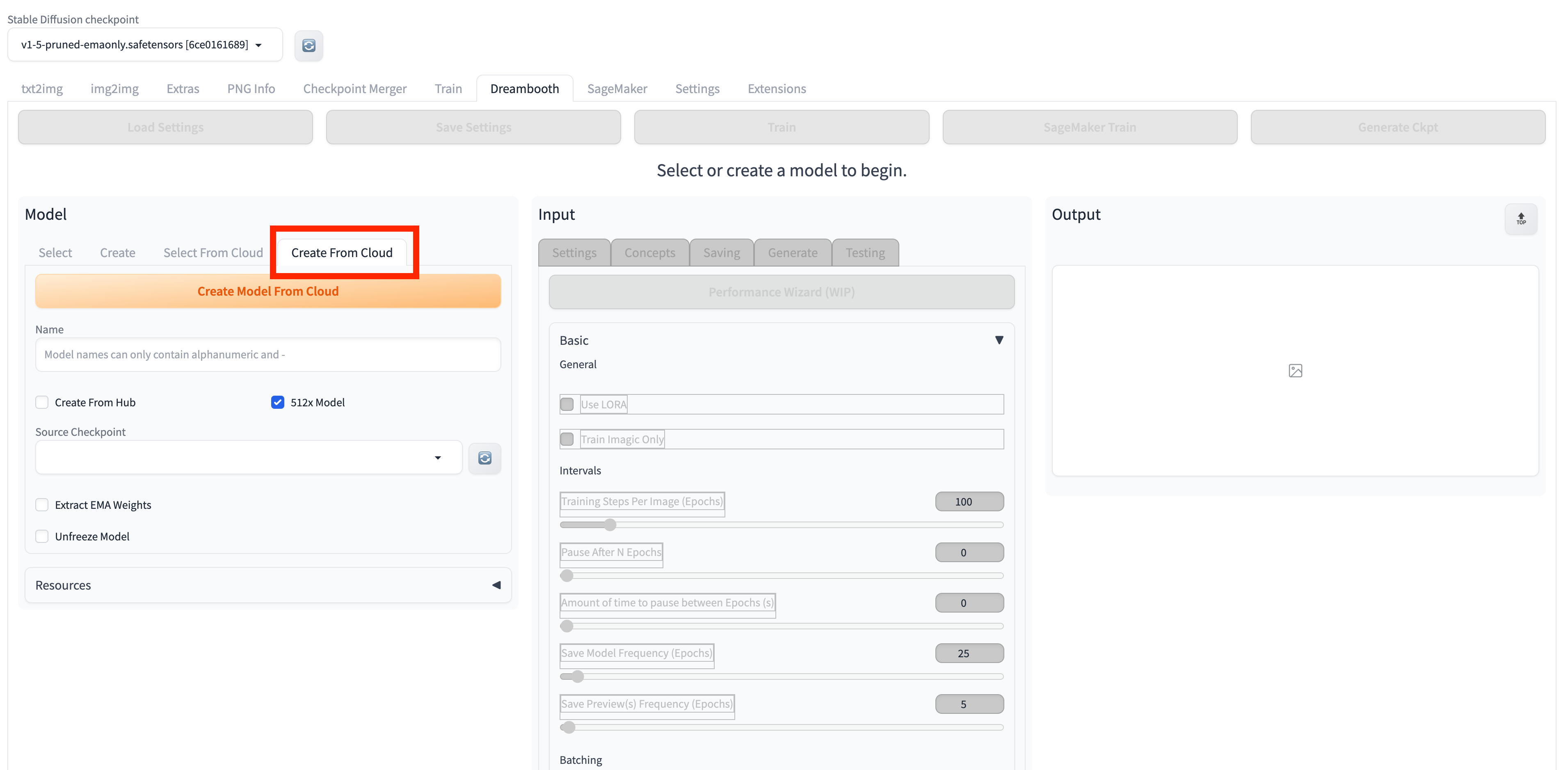
Open Dreambooth tab, Model subtab Create From Cloud.
-
Enter a model name in the Name text box.
!!! Important "Notice" Please note the naming format requirements: the name can only contain alphanumeric characters and dashes ("-").
-
Select one checkpoint under Source Checkpoint dropdown list.
Note: The checkpoint files here include two sources: files starting with "local" are locally stored checkpoint files, while those starting with "cloud" are checkpoint files stored on Amazon S3. For first-time use, it is recommended to select a local checkpoint file.
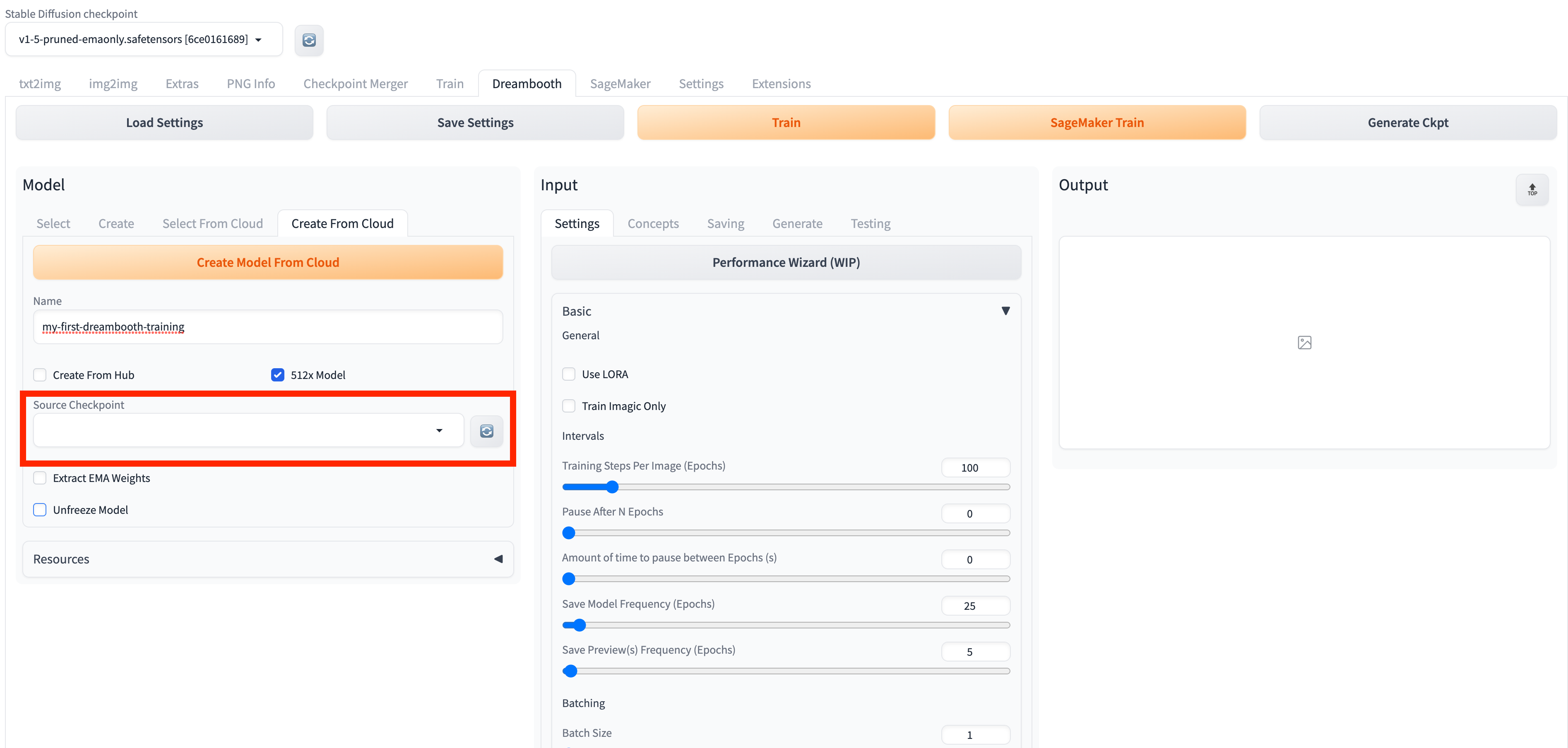
- Click Create Model From Cloud to start model creation on cloud. Model Creation Jobs Details field will instantly update with the progress of the model creation job. When the status changes to Complete, it indicates that the model creation is finished.
Train Model
- Open Dreambooth tab, Model subtab, Select From Cloud.
- Fresh and select the model from Model dropd down list that need to train.
- Set corresponding parameters in Input session.
- Click SageMaker Train to start model training task. The Training Job Details section will be updated in real-time with the status of the model training job. When the status changes to Complete, an email notification will be sent to the email address provided during the initial deployment of the solution, indicating that the model training is complete.
- Future steps. For example: Navigate to txt2img tab Amazon SageMaker Inference panel, check trained model by refreshing Stable Diffusion Checkpoint dropdown list.