08f17d83dd
|
||
|---|---|---|
| .github | ||
| javascript | ||
| scripts | ||
| .eslintrc.json | ||
| .gitignore | ||
| .markdownlint.json | ||
| LICENSE.txt | ||
| README.md | ||
| package-lock.json | ||
| package.json | ||
README.md
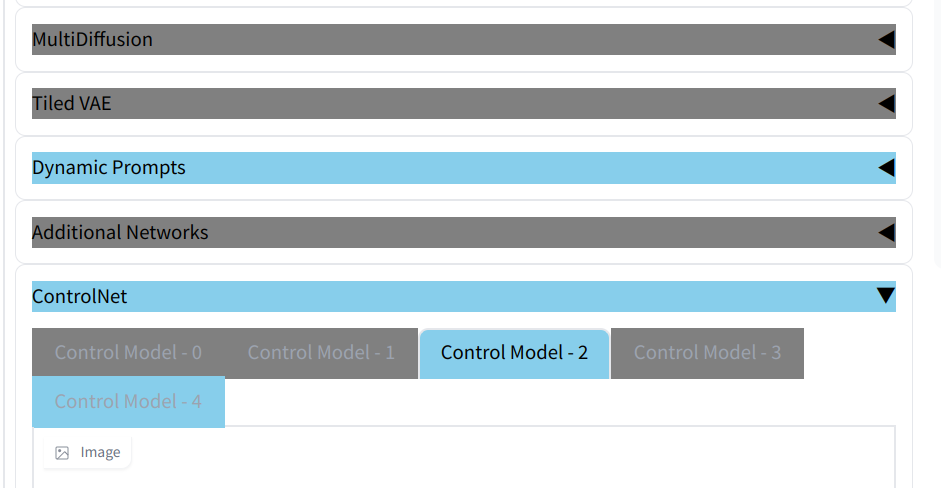
Switch background color by clicking "Enable" buttons
A simple extension for AUTOMATIC1111/stable-diffusion-webui
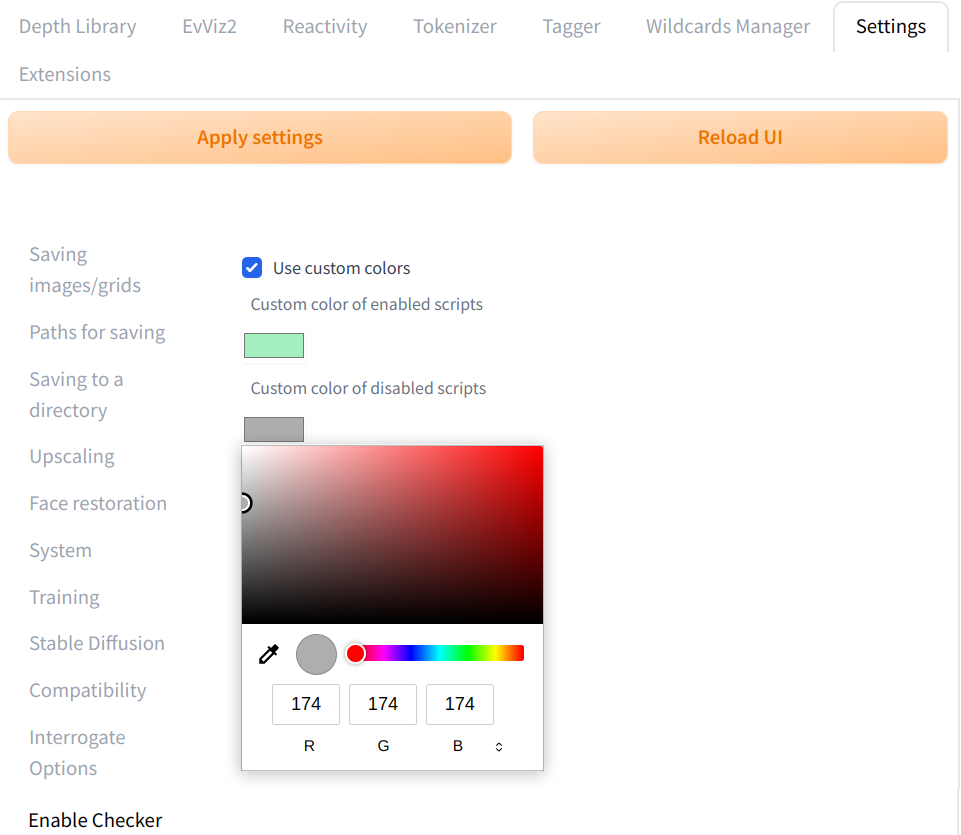
Customize colors
You can customize colors:
- Go to
Settingtab - Go to
Enable Checker - Set colors
- Activate
Use custom colors - Click
Apply settingbutton - Click
Reload UIbutton