 623c5a44d6
|
||
|---|---|---|
| annotator | ||
| models | ||
| samples | ||
| scripts | ||
| .gitignore | ||
| README.md | ||
| extract_controlnet.py | ||
| extract_controlnet_diff.py | ||
| install.py | ||
| preload.py | ||
README.md
sd-webui-controlnet
(WIP) WebUI extension for ControlNet
This extension is for AUTOMATIC1111's Stable Diffusion web UI, allows the Web UI to add ControlNet to the original Stable Diffusion model to generate images. The addition is on-the-fly, the merging is not required.
ControlNet is a neural network structure to control diffusion models by adding extra conditions.
Thanks & Inspired: kohya-ss/sd-webui-additional-networks
Limits
- Dragging large file on the Web UI may freeze the entire page. It is better to use the upload file option instead.
- Just like WebUI's hijack, we used some interpolate to accept arbitrary size configure (see
scripts/cldm.py) - Processor thresholds are set in
scripts/processor.py. Change it if needed. - Transfer control (for full model) is disabled by default. This option is experimental and may change in the future.
Install
Some users may need to install the cv2 library before using it: pip install opencv-python
- Open "Extensions" tab.
- Open "Install from URL" tab in the tab.
- Enter URL of this repo to "URL for extension's git repository".
- Press "Install" button.
- Reload/Restart Web UI.
Usage
- Put the ControlNet models (
.pt,.pth,.ckptor.safetensors) inside thesd-webui-controlnet/modelsfolder. - Open "txt2img" or "img2img" tab, write your prompts.
- Press "Refresh models" and select the model you want to use. (If nothing appears, try reload/restart the webui)
- Upload your image and select preprocessor, done.
Currently it supports both full models and trimmed models. Use extract_controlnet.py to extract controlnet from original .pth file.
Pretrained Models: https://huggingface.co/lllyasviel/ControlNet/tree/main/models
Extraction
Two methods can be used to reduce the model's filesize:
-
Directly extract controlnet from original .pth file using
extract_controlnet.py. -
Transfer control from original checkpoint by making difference using
extract_controlnet_diff.py.
All type of models can be correctly recognized and loaded. The results of different extraction methods are discussed in https://github.com/lllyasviel/ControlNet/discussions/12 and https://github.com/Mikubill/sd-webui-controlnet/issues/73.
Pre-extracted model: https://huggingface.co/webui/ControlNet-modules-safetensors
Pre-extracted difference model: https://huggingface.co/kohya-ss/ControlNet-diff-modules
Examples
| Source | Input | Output |
|---|---|---|
| (no preprocessor) |  |
 |
| (no preprocessor) | 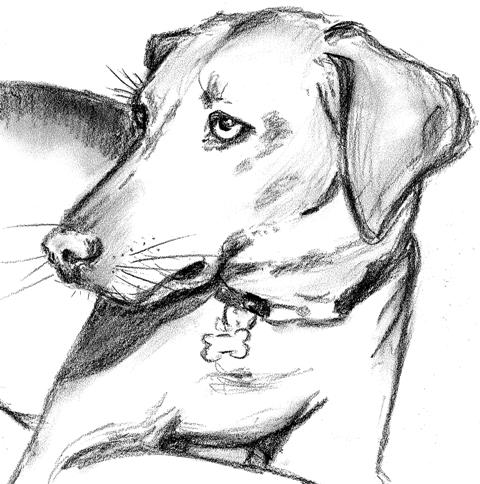 |
 |
 |
 |
 |
 |
 |
 |
 |
 |
 |
 |
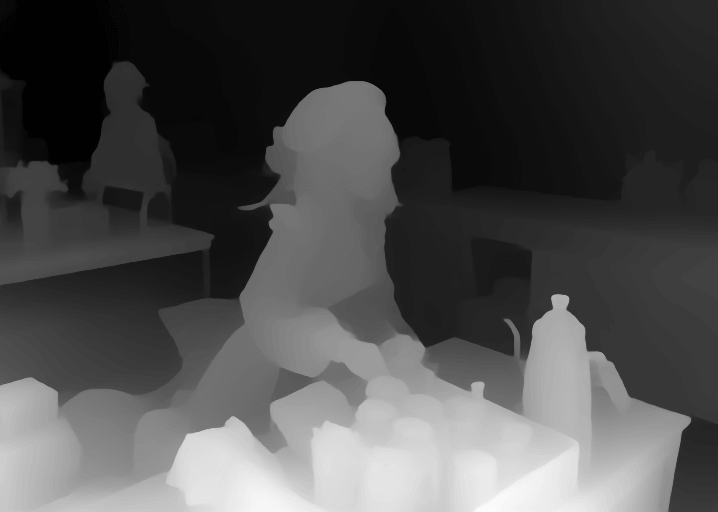 |
 |
 |
 |
 |
Minimum Requirements
- (Windows) (NVIDIA: Ampere) 4gb - with
--xformersenabled, andLow VRAMmode ticked in the UI, goes up to 768x832