a068578e1e
|
||
|---|---|---|
| assets | ||
| huggingface | ||
| logs | ||
| output | ||
| sd-models | ||
| sd-scripts@ee5cec7530 | ||
| toml | ||
| .gitattributes | ||
| .gitignore | ||
| .gitmodules | ||
| README.md | ||
| install-cn.ps1 | ||
| install.bash | ||
| install.ps1 | ||
| interrogate.ps1 | ||
| resize.ps1 | ||
| tensorboard.ps1 | ||
| train.ipynb | ||
| train.ps1 | ||
| train.sh | ||
| train_by_toml.ps1 | ||
| train_by_toml.sh | ||
README.md
LoRA-scripts
LoRA training scripts for kohya-ss/sd-scripts
Usage
Clone repo with submodules
git clone --recurse-submodules https://github.com/Akegarasu/lora-scripts
Required Dependencies
Python 3.10.8 and Git
Windows
Installation
Run install.ps1 will automaticilly create a venv for you and install necessary deps.
Train
Edit train.ps1, and run it.
Linux
Installation
Run install.bash will create a venv and install necessary deps.
Train
Training script train.sh will not activate venv for you. You should activate venv first.
source venv/bin/activate
Edit train.sh, and run it.
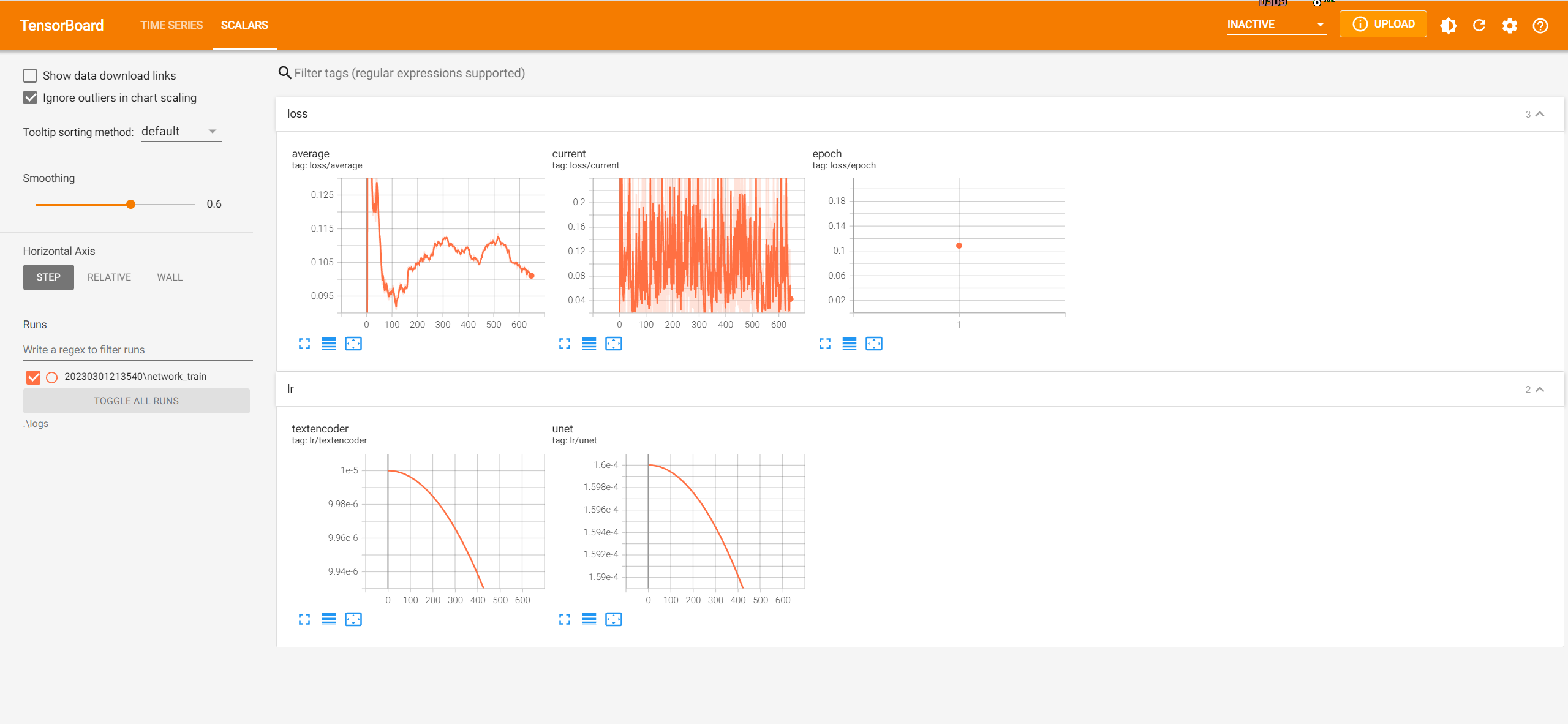
TensorBoard
Run tensorboard.ps1 will start TensorBoard at http://localhost:6006/